THE RAP DUO FIELD GUIDE
Hotel Lobby and Migos AI Trend Guide
Understand the Hotel Lobby and Migos AI trend: two-photo rap videos, scene choices and original generated audio, with clear limits before creating.
Updated October 9, 2026
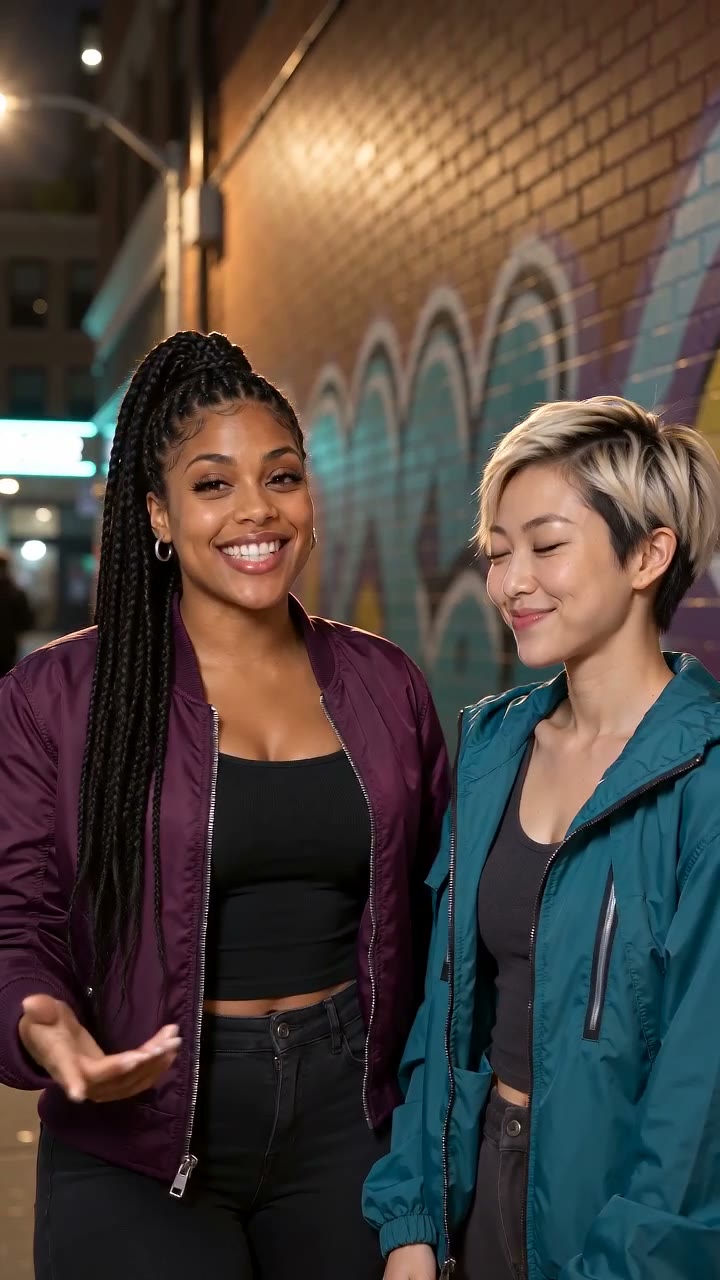
One visual idea, several search terms
People use terms such as Hotel Lobby AI and Migos AI when looking for short two-person rap performances created from photos. The appeal is the contrast between familiar faces and a polished music-video setting. The terms are useful descriptions of what someone is looking for, not a guarantee of a particular recording or performer.
What Rap Duo creates
Rap Duo places two photo-based characters in a selected scene and generates a short performance with new audio. You can give it a brief topic and choose a scene. It makes one clip rather than a complete song or an edited sequence of multiple videos.
What it does not reproduce
The service does not provide the original Hotel Lobby recording, copy song lyrics or clone the voices of Migos members. Rap Duo is an independent product with no artist endorsement or affiliation. Its sound is generated for your request and its wording can vary.
How the scene changes the result
Luxury Lobby uses an indoor, polished entrance; Orange Booth feels warm and close to the microphones. Studio Booth puts the pair in a recording-room setting, while Street Cypher moves the performance outdoors. These presets change the visual direction, not the identity of the people in your photos or the promise of an exact song. Compare the published sample videos before choosing a setting.
Why photo choice matters
A clear portrait gives the model better visual information than a small, blurry or obstructed face. Even with good inputs, identity consistency, mouth motion and performance details may vary. Look at a finished result critically before sharing it.
Choose the experience you want
Use Hotel Lobby AI for the lobby setting, AI Rap Generator for a topic-driven duet, or Birthday Rap for a personal celebration. These are different starting points for the same two-photo creation workflow. Pricing depends on the credit plan you choose, not the page where you start.
A useful test before paying for a longer clip
Start by checking whether both portraits are clear and whether the selected scene fits your idea. The creator displays the credits for the chosen model, resolution and duration before submission. If you are unsure about the look, a shorter selection lets you inspect the style and audio with fewer credits; each submission still creates its own video and can vary.
Match the music workflow to your expectation
Before starting a Hotel Lobby or Migos AI trend video, decide whether you want new generated sound or a particular song you already own. The two-photo creator makes new original audio together with the scene. A topic can guide its mood and wording, but does not supply the original Hotel Lobby recording, guarantee a requested name or reproduce an artist’s voice. If a specific song is essential, use the separate Make an MV workflow with an audio file you have permission to upload or a completed track from My music. That workflow uses a reviewed 5–30 second excerpt and one portrait. For a full original song, begin in the music studio instead. Check the result’s sound and appearance before sharing; a familiar scene label is not a guarantee that a generated performance matches the recording you had in mind.